

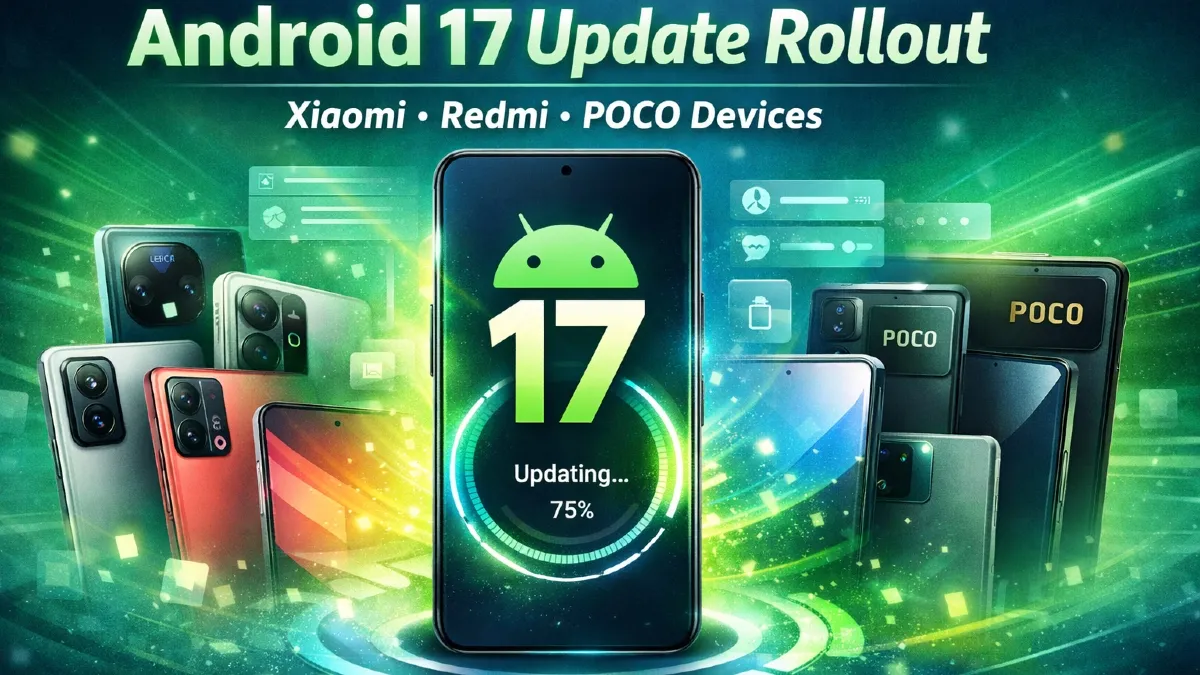
Xiaomi Android 17 Beta: Eligible Devices & Installation Guide (Full Details Inside)
The Android ecosystem is evolving rapidly, and tech enthusiasts are already buzzing about the upcoming Android 17 Beta update. Smartphone giant Xiaomi has joined the early wave by rolling out Android 17 Beta access for select devices, giving developers and power users a chance to experience the next-generation features before the official release.
If you’re a Xiaomi user wondering whether your device is eligible and how to install the Android 17 Beta safely, this detailed guide covers everything—from supported devices to step-by-step installation.
Android 17 Beta: What’s New?
Before diving into the eligible devices list, let’s quickly look at what Android 17 brings to the table. Though still in beta, the update focuses on performance, privacy, and AI-powered features.
Key Features:
- Advanced AI Integration
Android 17 enhances on-device AI for smarter suggestions, predictive typing, and app usage insights. - Improved Battery Optimization
Background processes are better managed, resulting in longer battery life. - Enhanced Privacy Controls
New permission settings allow users to control data sharing more precisely. - Refined UI & Animations
Expect smoother transitions and a more polished interface, especially on Xiaomi’s HyperOS. - Better Gaming Performance
GPU optimizations aim to deliver smoother gameplay and reduced lag.
Xiaomi Android 17 Beta: Eligible Devices
Not all Xiaomi phones will receive the Android 17 Beta update initially. Typically, flagship and recent upper mid-range devices are prioritized.
Confirmed Eligible Devices:
- Xiaomi 14 Pro
- Xiaomi 14
- Xiaomi 13 Pro
- Xiaomi 13
- Redmi K70 Pro
- Redmi K70
- Xiaomi Pad 6
Expected to Receive Beta Soon:
- Xiaomi 12 Pro
- Redmi Note 13 Pro+
- Poco F6
Xiaomi usually expands the beta program gradually, so more devices may be added in the coming weeks.
Who Should Install Android 17 Beta?
Before installing, it’s important to understand that beta versions are not stable.
Ideal for:
- Developers testing apps
- Tech enthusiasts
- Advanced users comfortable with flashing ROMs
Not Recommended for:
- Primary phone users
- Users unfamiliar with recovery tools
- Those needing stable daily performance
Xiaomi Android 17 Beta Installation Guide
Installing Android 17 Beta on Xiaomi devices requires careful steps. Follow this guide to avoid errors or data loss.
Step 1: Backup Your Data
Before proceeding, back up everything:
- Photos & videos
- Contacts
- Apps and documents
Use:
- Xiaomi Cloud
- Google Drive
- External storage
Step 2: Unlock Bootloader
To install beta firmware, you must unlock your device’s bootloader.
Steps:
- Enable Developer Options
- Turn on OEM Unlocking
- Enable USB Debugging
- Use the Mi Unlock Tool from Xiaomi’s official website
Note: Unlocking bootloader may void warranty and erase data.
Step 3: Download Android 17 Beta ROM

Visit Xiaomi’s official developer portal and download the correct ROM for your device model.
Make sure:
- Model number matches exactly
- Region (Global/China/India) is correct
Step 4: Install via Fastboot Method
- Extract ROM files on your PC
- Boot phone into Fastboot Mode
- Connect device via USB
- Use Mi Flash Tool to install ROM
Wait until installation completes.
Step 5: Reboot and Setup
After flashing:
- Device will reboot automatically
- Initial setup may take longer than usual
- Restore your backup
Common Issues in Android 17 Beta
Since this is an early build, users may face some bugs:
- App crashes
- Battery drain
- Network issues
- Camera glitches
Xiaomi actively collects feedback to improve stability before the final release.
Tips Before Installing
- Ensure battery is above 70%
- Use original USB cable
- Do not interrupt flashing process
- Double-check ROM compatibility
Xiaomi HyperOS + Android 17: What to Expect
Xiaomi’s custom skin HyperOS is expected to play a major role in Android 17 rollout. The combination will bring:
- Deeper ecosystem integration
- Faster performance across devices
- Improved UI customization
- Better IoT connectivity
This update is likely to strengthen Xiaomi’s position against competitors like Samsung and OnePlus.
When Will Stable Android 17 Release?

Based on previous trends:
- Beta rollout: Early 2026
- Stable release: Late 2026
Xiaomi typically releases stable updates after Google’s official Android rollout.
Final Thoughts
The Xiaomi Android 17 Beta program is an exciting opportunity for users to explore the future of Android. With enhanced AI, improved performance, and deeper customization, Android 17 could be one of the most impactful updates in recent years.
However, beta software comes with risks. If you’re not comfortable dealing with bugs or technical procedures, it’s better to wait for the stable version.
For tech enthusiasts and developers, though, this is the perfect time to dive in and experience what’s next in the Android world.