

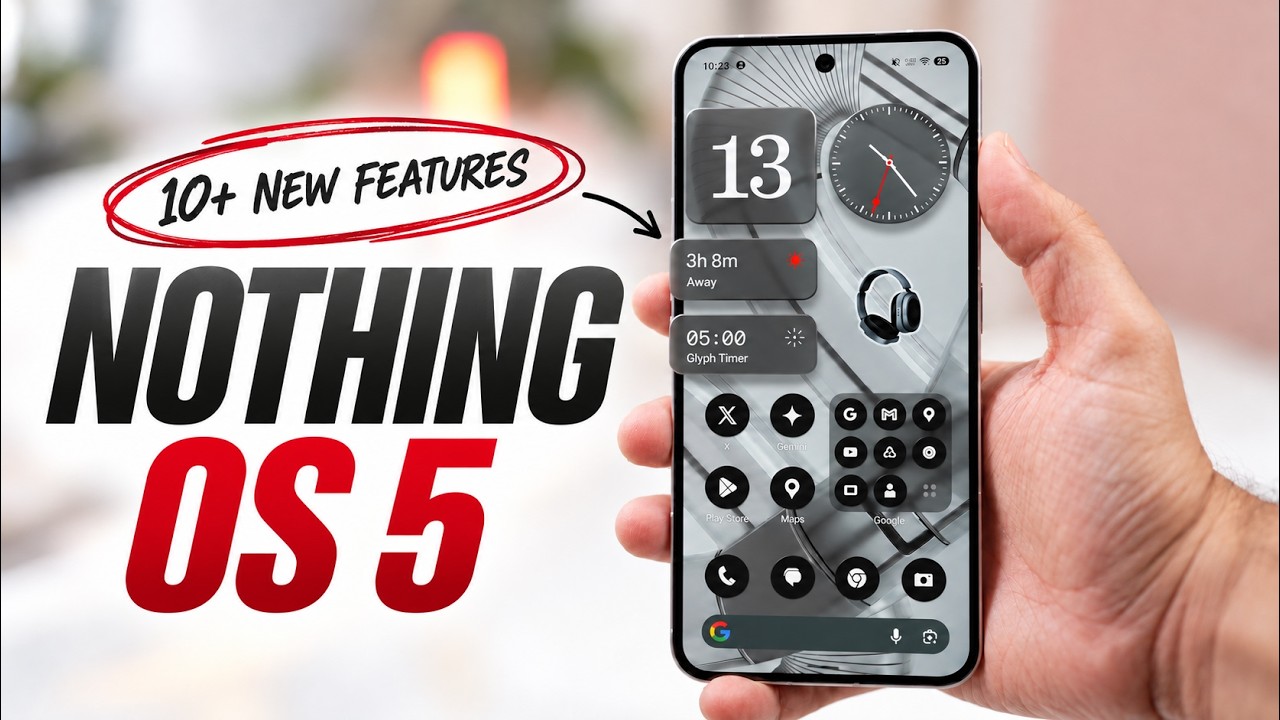
Nothing OS 5.0 Update News: Android 17 Stable Rollout Begins, Check Eligible Phones, Features and Release Date
Nothing OS 5.0 update news: Nothing has started rolling out the stable version of Nothing OS 5.0, based on Android 17, to its Nothing Phone (3). The software update officially began rolling out on October 12, 2026, bringing more than 80 changes across interface design, personalisation, artificial intelligence and system performance. The company plans to expand availability to additional Nothing and CMF smartphones over the coming months.
The latest update is attracting attention because it introduces a redesigned home screen, new lock-screen clock styles, improved Essential Space tools, updated camera features and Android 17 capabilities. However, not every Nothing smartphone will receive the new software, and eligible devices will get it according to a phased rollout schedule.
For users waiting for the Nothing OS 5.0 update release date, the stable version is now available for the Phone (3), while several other compatible models are expected to receive it from November 2026 through January 2027.
Nothing OS 5.0 Update Release Date
Nothing announced the general release of Nothing OS 5.0 on October 12, 2026. The rollout follows the open beta programme that began with the Nothing Phone (3) in August.
The company is releasing the software in stages, so two users with the same phone may not receive the update on the same day. Regional availability, carrier requirements and software readiness can affect the timing.
Here is the currently published rollout roadmap:
| Nothing or CMF smartphone | Planned stable rollout |
|---|---|
| Nothing Phone (3) | From October 12, 2026 |
| Nothing Phone (4a) Pro | Early November 2026 |
| Nothing Phone (4a) | Early November 2026 |
| Nothing Phone (3a) Pro | Early November 2026 |
| Nothing Phone (3a) | Early November 2026 |
| Nothing Phone (2a) | Mid-November 2026 |
| Nothing Phone (2a) Plus | Mid-November 2026 |
| Nothing Phone (3a) Lite | Late December 2026 |
| CMF Phone 2 Pro | Around mid-January 2027 |
| Nothing Phone (4b) | Around mid-January 2027 |
These dates are indicative rather than guaranteed. Nothing may adjust the schedule as the rollout progresses. The official Nothing OS page is the best place to check for changes.
Nothing OS 5.0 Features: What’s New?
Nothing says the release includes more than 80 improvements. The main changes cover visual design, home-screen customisation, AI-powered productivity and the underlying Android experience.
1. Redesigned Home Screen With Transparent Elements
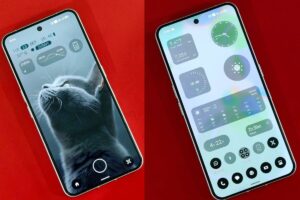
One of the biggest changes is the refreshed home screen. Nothing OS 5.0 introduces transparent elements across widgets and the search bar, creating a cleaner appearance that works with the phone’s wallpaper.
An adaptive colour system also takes colours from the selected wallpaper to create a more consistent visual style. Updated icons, spacing and animations are intended to make the interface feel more unified.
The company has refined the Geist typeface and several system areas, including Settings, the status bar, Camera and Gallery. These improvements continue Nothing’s distinctive software design while adding more personalisation options.
2. New Micrographics Lock-Screen Clock
Nothing OS 5.0 introduces the Micrographics clock face, which draws inspiration from hardware-style displays. It brings information such as the time, date, weather and upcoming meetings together in one view.
The new design gives users another way to personalise their lock screen while making useful information easier to check at a glance. Additional clock styles are also part of the broader update.
Availability of specific clock faces and widgets can depend on the device and software build.
3. Separate Quick Settings and Notifications
The Android 17 foundation brings changes to how users access notifications and system controls. Nothing OS 5.0 supports separate panels for Notifications and Quick Settings, allowing users to manage alerts independently from connectivity and device settings.
Bluetooth controls have also been improved to make it easier to connect or disconnect compatible devices. These changes could be helpful for people who frequently switch between wireless headphones, speakers, watches and other accessories.
The update includes additional privacy controls and indicators intended to make camera, microphone and location access easier to understand.
4. New Collector and Away Time Widgets
Nothing has added widgets aimed at personalisation and digital wellbeing.
Collector helps users create visual collections of favourite objects, people or places. It gives them another way to organise and display selected images directly from the home screen.
Away Time tracks periods when users put their phones down. It can help them understand their screen-free habits and see how much time they spend away from their devices.
The usefulness of these widgets will depend on individual preferences, but they add more options for users who want their home screens to be functional rather than purely decorative.
5. Essential Space Gets Smarter AI Tools
Essential Space is one of the areas receiving further improvements. The update introduces Smart Collections, designed to organise related captures automatically and make saved information easier to find.
Nothing is also improving the capture and search experience. The aim is to reduce the time users spend manually sorting notes and other information collected throughout the day.
Some Essential Space improvements are delivered separately through Google Play rather than being tied entirely to the main operating-system package. As a result, users may see features arrive at different times.
6. Essential Voice and AI App Creation
Nothing OS 5.0 includes improvements to Essential Voice, including faster transcription. These tools are intended to help users turn spoken information into text more efficiently.
Another feature, Essential Apps Builder, lets users describe certain tools in natural language and create supported applications without traditional coding. It is designed for lightweight utilities and personalised workflows.
Essential Apps Builder is still being introduced gradually, so access and capabilities may vary. Users should not assume that every type of application or AI task will be supported.
7. Camera Improvements
The update also brings camera refinements to the Nothing Phone (3). Reported changes include more control over image tuning and presets, Dual-view Video, H.265 recording, video filters and improvements to zoom and close-up shooting.
These changes could offer more flexibility to users who frequently take photos or record videos. However, camera features can differ between phone models because of hardware and software limitations.
The exact list of camera changes should be checked against the update notes for the user’s device.
8. Performance and Multitasking Improvements
Nothing OS 5.0 focuses on smoother animations, quicker touch response and improved background memory retention. The goal is to keep frequently used applications available for longer and reduce unnecessary reloads during everyday multitasking.
The update also refines app switching, folders and home-screen editing. Users can move multiple applications and widgets together, making it easier to reorganise a customised layout.
Actual performance will depend on the phone’s processor, memory, available storage and application usage. A major update does not guarantee identical improvements across every model.
9. Quick Share With iPhone Support
Android 17 introduces a QR-code-based sharing option for compatible workflows. Users can generate a QR code that lets people on other devices, including iPhones, access shared files through a secure web link.
This can make file transfers more convenient when the receiving device does not use the same Android sharing process. The experience may depend on the file type, receiving device and available connectivity.
Which Phones Will Not Get Nothing OS 5.0?
Not every Nothing device is eligible for the upgrade. According to the company’s official software roadmap, the following models have reached the end of major software support and will not receive Nothing OS 5.0:
- Nothing Phone (1)
- Nothing Phone (2)
- CMF Phone 1
Owners of these devices should check for any remaining security updates or maintenance releases available for their particular model. They should also avoid installing unofficial firmware packages from unverified websites, as these can cause software problems or security risks.
How to Download the Nothing OS 5.0 Update
If your phone is eligible, you can manually check whether the stable update is available.
- Open Settings on your Nothing smartphone.
- Select System.
- Tap System update.
- Choose the option to check for updates.
- If Nothing OS 5.0 appears, review the update details and follow the on-screen instructions.
Before installation, connect to Wi-Fi, charge the battery sufficiently and back up important information. Make sure the phone has enough free storage for the download and installation.
If the update does not appear, it may not have reached your device yet. Because Nothing is using a phased rollout, waiting and checking again later is safer than downloading an unofficial installation package.

Is Nothing OS 5.0 Worth Installing?
For eligible users, Nothing OS 5.0 offers more than a visual refresh. The new home screen, clock styles and widgets improve personalisation, while Essential Space and Essential Voice add productivity tools. Camera refinements and Android 17 improvements also make the release more substantial.
However, users should remember that the update is being distributed gradually. Some features may arrive separately, and the available tools can vary by model.
The best approach is to install the stable release when it becomes available for your device, read the release notes and back up important data before updating.
Frequently Asked Questions (FAQs)
1. Has Nothing OS 5.0 been released?
Yes. The stable rollout began on October 12, 2026, starting with the Nothing Phone (3).
2. Is Nothing OS 5.0 based on Android 17?
Yes. Nothing OS 5.0 is built on Android 17 and includes additional interface, AI, personalisation and performance changes.
3. When will the Nothing Phone (3a) get Nothing OS 5.0?
The current roadmap lists early November 2026 for the planned stable rollout. Actual availability may vary by region.
4. Will Nothing Phone (2) receive Nothing OS 5.0?
No. Nothing’s official roadmap lists the Phone (2) among models that have reached the end of major software support.
5. What are the main Nothing OS 5.0 features?
The main highlights include a redesigned home screen, the Micrographics clock, Collector and Away Time widgets, Essential Space improvements, faster voice transcription, camera refinements and Android 17 features.
6. How do I check for the update?
Go to Settings, select System, and then tap System update. If the release is available for your device, follow the installation instructions.
7. Will all eligible phones receive the update together?
No. The rollout is phased, and timing can differ by device, region and carrier.
Final Verdict
The Nothing OS 5.0 update is an important software release for Nothing users, bringing Android 17 alongside more personalisation options, new AI tools, camera refinements and system improvements. The Nothing Phone (3) is first in line, with more eligible Nothing and CMF devices scheduled for rollout through January 2027.
Users should confirm their phone’s eligibility and follow the official roadmap rather than relying on unofficial release-date claims. Once the update becomes available, backing up data and reviewing the installation notes can help ensure a smoother upgrade.
Disclaimer: Rollout dates are indicative and may change. Feature availability varies by device, region and software version. Confirm the latest information through Nothing’s official channels.